How to build an RFP answer library for government and education proposals
Build an RFP answer library that passes compliance checks. Learn what to store for government and education buyers, who owns each answer, and when to review it.

Government and education RFPs often ask the same questions, yet proposal teams still waste hours searching old submissions for answers. An RFP answer library can solve that problem, but if it’s poorly maintained, it can actually put your bids at risk of disqualification.
TL;DR: What goes in an RFP answer library?
An RFP answer library stores reusable, approved responses for RFPs and security questionnaires. For government and education teams, it should include accessibility, student data privacy, security, and vendor paperwork, with separate variants for local government, K–12, and higher education. Assign each answer an owner and review date, and track expiration dates for supporting documents.
What an RFP answer library covers in government and education
An RFP answer library (also called a content library or knowledge base) is a central store of reusable, pre-approved answers. The same answers feed RFPs, RFIs, RFQs, security questionnaires, and due diligence questionnaires (DDQs), and sales teams pull from it for enablement. Federal libraries carry extra weight, such as past performance volumes and FAR clauses, so this guide primarily covers best practices for local government, K–12, and higher education.
Government and education RFPs run on stricter rules than commercial ones. Here’s how the two compare:
| Factor | Commercial RFP | Government and education RFP |
|---|---|---|
| Scoring rubric | Often informal or unpublished | Weighted criteria, usually published in the solicitation |
| Evaluation committee | A few stakeholders with a flexible process | A formal committee that scores against the rubric |
| Mandatory forms | Few, if any | Signed affidavits, vendor forms, and insurance certificates |
| Submission rules | Deadlines and formats can flex | Fixed deadline, format, and delivery method |
| Award records | Private | Generally public, subject to disclosure rules and exemptions |
Those rules create a gate. Government and education buyers must treat every bidder the same, so procurement staff must apply the solicitation’s rules on missing forms and permitted corrections. They often run a pass/fail compliance check first, and a material failure can prevent a proposal from reaching the evaluation committee.
Rejections at this stage are usually mechanical:
- Late submissions, even by minutes
- Missing signatures or required forms
- Format violations, such as page limits or file types
- Unanswered mandatory requirements
A current library won’t rescue a late upload, but it helps prevent the other errors. Approved forms and fresh answers cut drafting time and close the gaps that trigger rejection.
Build the library around what government and education buyers ask
Government and education buyers repeat themselves, which makes the library predictable to build. Use their recurring questions as the blueprint. Work through the four layers below in order.
1. Stock the core answers every library needs
Every library starts with the answers evaluators expect in any proposal. Stock these first:
- Company overview
- Product and service descriptions
- Implementation and onboarding
- Support and SLAs
- Security and compliance, including completed security questionnaires
- Case studies and references
- Pricing structure and technical documentation
Completed security questionnaires deserve extra care. IT often holds real decision-making authority in local government, K–12, and higher education, so keep questionnaire answers consistent enough that IT reviewers trust every response.
Close the layer with the company policies evaluators request, such as data retention or acceptable use. Store only the current approved version of each policy, and archive old versions where reps can’t grab them by accident.
2. Add the compliance categories government and education buyers require
Government and education buyers ask for proof that commercial buyers rarely request. Give each of these categories its own section in the library:
- Accessibility answers covering WCAG 2.1 AA conformance, Section 508 where applicable, and current Accessibility Conformance Reports completed using a VPAT. Buyers are asking now because the Justice Department’s ADA Title II web accessibility deadlines fall on April 26, 2027 for public entities with populations of 50,000 or more, other than special district governments, and April 26, 2028 for entities with populations under 50,000 and all special district governments.
- Student data privacy answers for FERPA, COPPA, and state student data privacy agreements. Many districts use the Student Data Privacy Consortium’s National Data Privacy Agreement, and the Student Privacy Policy Office publishes FERPA guidance.
- Vendor paperwork, including insurance certificates, W-9 and vendor registrations, diversity certifications such as HUB or MWBE, and required state and local forms. Affidavits like non-collusion and conflict of interest change from buyer to buyer, so store the data that fills them alongside signature-ready templates.
- References from other districts, cities, and campuses. Confirm each reference contact still holds the same role before every submission.
- A contract vehicle eligibility entry that lists the cooperative vehicles a buyer can purchase through (more on that below).
These categories are where stale answers do the most damage. Each one carries a date, a signature, or a person who can change.
3. Create separate answer sets for state and local government, K–12, and higher education
Each buyer type asks different questions and weights scoring differently. One generic answer tries to satisfy three committees and ends up satisfying none.
Write for the buyer in front of you:
- Local government buyers probe public records rules, insurance thresholds, and local vendor forms.
- K–12 districts focus on student data privacy agreements, classroom implementation, and teacher training.
- Higher education institutions weigh campus IT security reviews (often a completed HECVAT), integrations with campus systems, and accessibility for students.
Proposals can become public records after award, whichever buyer type you’re answering. Mark confidential and trade secret material the way each buyer’s rules require, and take extra care with privacy and security language.
Keep one master answer per topic, then write short variants for each buyer type from it. A policy change then updates one source instead of three drifting copies.
4. Tag every answer by sector, buyer type, and regulation
Tags let reps find the right version in seconds. Tag each answer by sector, buyer type, state, and regulation, then add two fields that keep answers honest.
The first is an expiration date where applicable and a next review date for every answer citing a certificate, report, or policy. The second is an owner field with one named person per answer.
Here’s an example tag set for a K–12 student privacy answer:
| Field | Value |
|---|---|
| Sector | Education |
| Buyer type | K–12 district |
| Regulation | FERPA, COPPA, and the state student data privacy agreement |
| Version | K–12 variant of the master privacy answer |
| Expiration date | June 30, 2027, when the cited data privacy agreement is due for renewal |
| Owner | One named security lead |
The owner field is the most relevant, because an answer owned by a team has no owner at all. When an expiration or review date passes, the named owner gets the reminder. The answer comes out of circulation until that person reviews it.
Assign owners and a review schedule so answers never go stale
Libraries decay when staff leaves, and nobody owns upkeep. Answers scatter across spreadsheets, email threads, and old proposals until versions conflict. Stale answers then fail predictably:
- An outdated insurance certificate can fail the compliance check if current evidence is required.
- A security report that does not meet the buyer’s recency requirements can delay approval.
- A retired product name leaves evaluators unsure what they’re buying.
- A reference who changed jobs may be unreachable or no longer meet the buyer’s reference requirements.
Each failure traces back to an answer nobody owned. Assign each content category to one named owner in sales, security, or legal, and give onboarding and support answers to the implementation lead.
Tie every review to a trigger event so updates happen when facts change:
| Content category | Owner | Review trigger |
|---|---|---|
| Security and compliance | Security lead | Certification renewal or new audit report |
| Insurance and vendor paperwork | Legal lead | Insurance renewal or new state form |
| Product descriptions and technical docs | Sales lead | Product release |
| Implementation and support | Implementation lead | Process or SLA change |
| Company policies | Legal lead | Policy change |
Triggers catch the changes people remember to report. A calendar catches the rest. Separate evergreen content (approach, capabilities) from time-sensitive content (certificates, audit reports, HECVATs, accessibility reports, references), put every expiration and review date on a shared calendar, and add a quarterly review for each category so nothing slips between triggers.
Tailor every reused answer to the scoring rubric
Committees score against weighted criteria, including how price weighs against technical answers. They must document every award decision, so they score to the rubric literally.
Run this workflow per question:
- Pull the approved answer from the library.
- Match it to the rubric criterion, in the buyer’s own language.
- Add buyer-specific detail, such as their systems or stated goals.
- Confirm owner sign-off before submission.
The owner check comes last, so nothing ships unchecked. Pasting boilerplate verbatim is the mistake this workflow prevents, and evaluators notice it fast.
Hand-drafting every section is where small teams lose the time this workflow needs.
Starbridge’s AI RFP Finder & Proposal Writer drafts response sections from your team’s approved answers and product knowledge base, and it builds a compliance matrix that maps every requirement. Its source library supports tags too, so the tagging scheme above carries straight into the drafts.
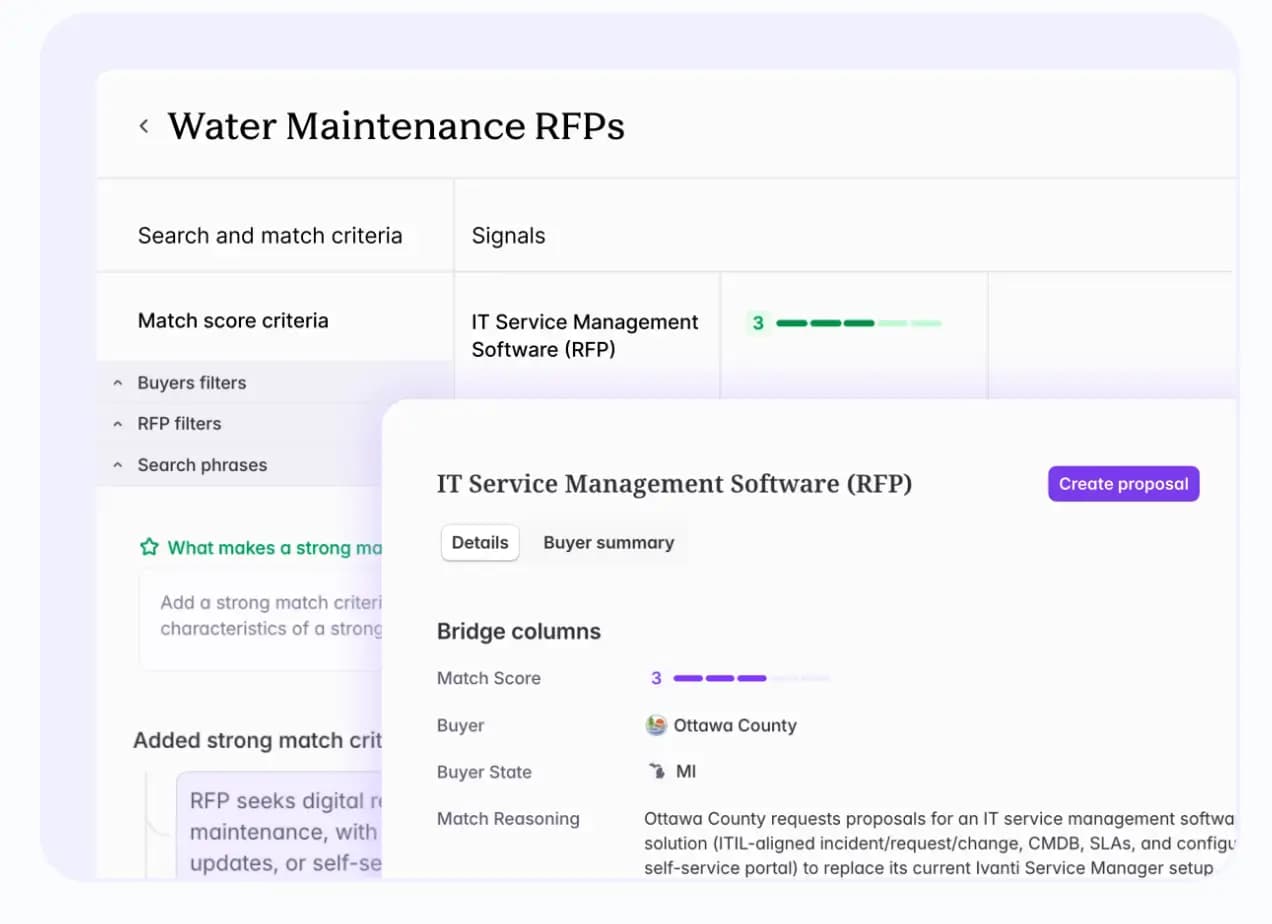
AEs and founders then refine the draft, tag teammates on the requirements they own, and finalize and submit, so teams can create proposals in half the time.
For a side-by-side look at the tools, see our comparison of the best AI proposal writers.
Some answers never ship without SME sign-off:
- Legal terms and contract exceptions
- Compliance attestations
- Pricing
AI amplifies whatever the library holds, stale content included. Never let it fill in a reference, certification, or metric the library doesn’t contain.
Library hygiene decides draft quality.
Spend your library on RFPs you can win
Reviewer time is a finite budget. Every hour spent on an unwinnable bid is an hour your library goes unreviewed. Spend that budget three ways: engage before the RFP posts, screen bids before drafting, and give buyers a path that skips the RFP.
The fastest answer still loses on publication day
Buyers aren’t experts in every solution, so they consult vendors early to learn what’s possible.
Vendors can inform the buyer through permitted early engagement, while the buyer remains responsible for the evaluation criteria, and many cold RFPs already have a favorite vendor. Your best bids come from conversations you start early.
Those conversations start with buying signals. A buying signal is an early sign that a school district, university, or state or local agency may be considering a purchase, such as a new grant or a contract about to expire.
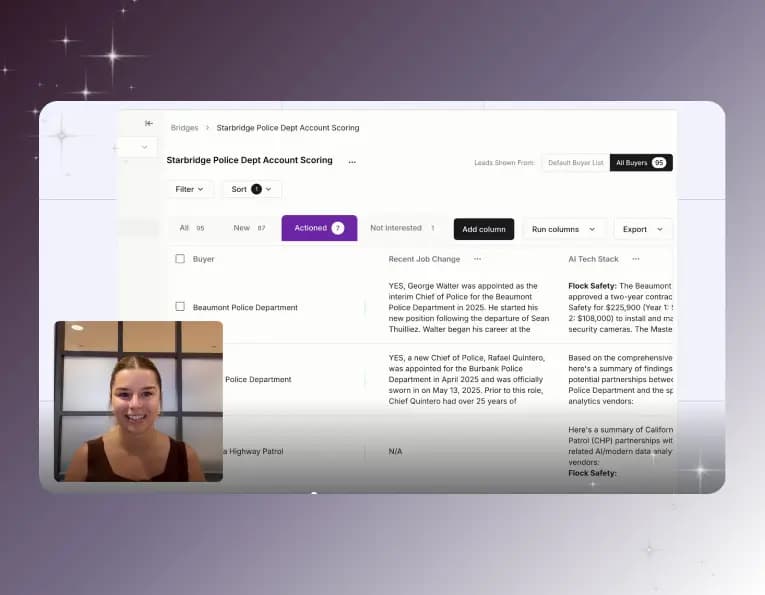
Tracking buying signals by hand across thousands of accounts doesn’t scale, so opportunities surface too late. Starbridge’s Buying Signals Monitor helps teams act on early buying intent across 320k+ entities.
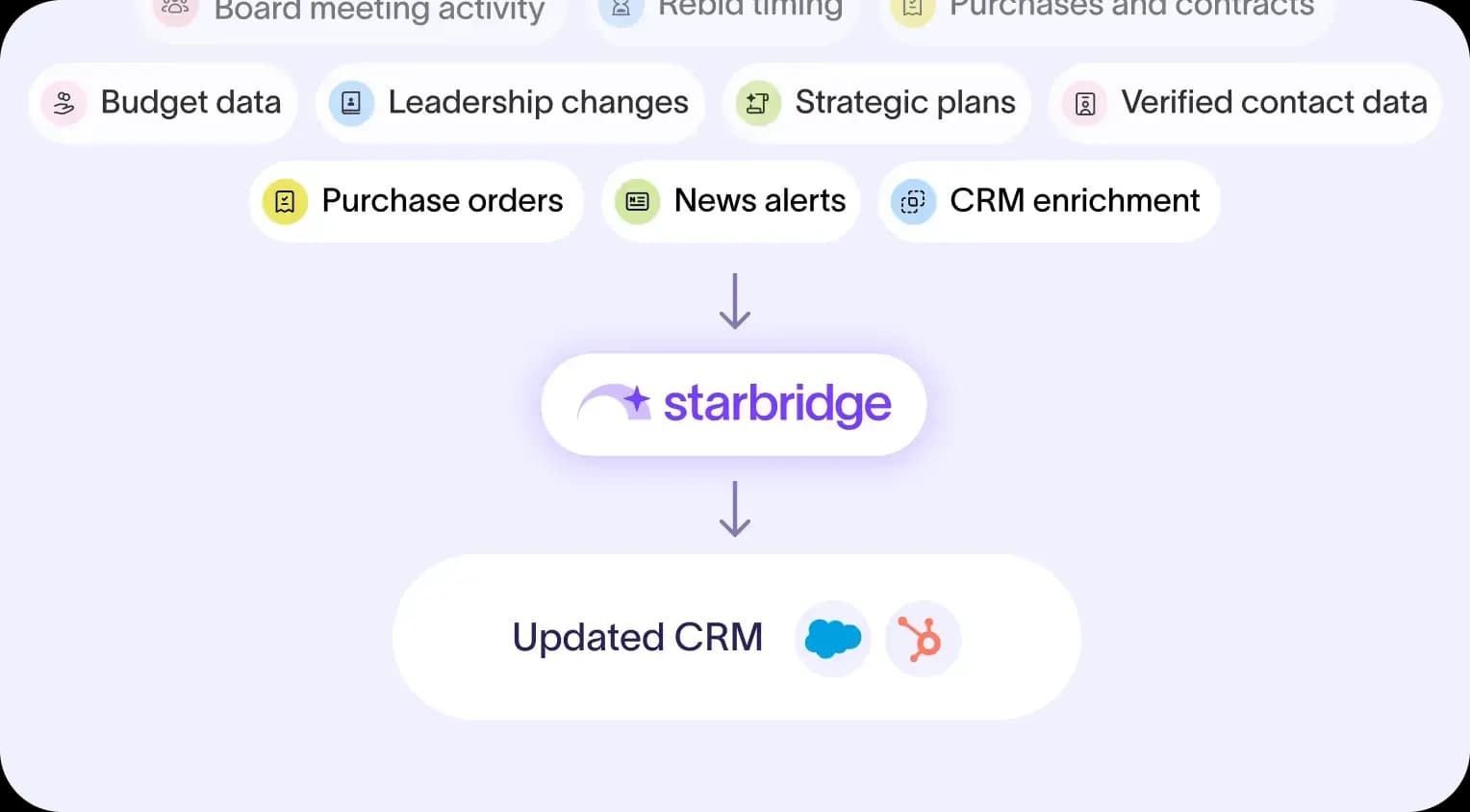
The monitor surfaces these buying signals:
- Board meeting discussions
- Budget approvals
- Grant awards
- Leadership changes
- Contract expirations
Each signal arrives with a verified contact and a reason for outreach. In its first week on Starbridge, GovWell booked five meetings from those buying signals, and it now sources 15% of its qualified pipeline from Starbridge. Book a demo today to learn more.
Run a bid/no-bid checklist before you open the library
These questions may decide whether a bid deserves your library. We recommend answering each one before anyone drafts a word:
| Checklist question | Where to find the answer | No-bid threshold |
|---|---|---|
| Who is the incumbent vendor? | Past contracts, purchase orders, and board minutes | The incumbent shaped the spec and you have no relationship |
| What is the contract worth? | Award records and budget documents | The value doesn’t cover your cost to respond |
| When does the current contract expire? | Contract terms and renewal dates | The buyer confirms it plans to exercise an incumbent renewal option |
| Does the RFP name a competitor? | Specifications and brand-name requirements | A competitor is named with no "or equal" language |
| How well do you fit the scoring criteria? | The evaluation criteria section | You can’t score well on the highest-weighted criteria |
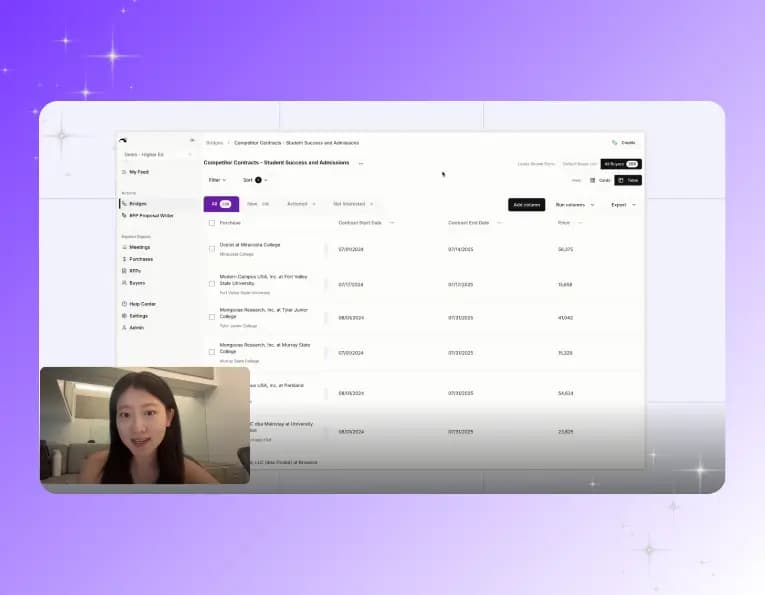
Gathering incumbent and contract details by hand means records requests and hours of portal digging. Public Spend Intelligence gets reps that context instantly, including full contracts that show opt-out clauses, implementation fees, and renewal timelines.
The AI RFP Finder & Proposal Writer adds a second screen. It pulls RFPs from thousands of state, local, education, and university bid portals into one feed, typically within 24 to 48 hours of posting. It then scores each RFP by product fit, region, and win likelihood, and it flags RFPs that already name a competitor.
A named competitor warrants further qualification, especially if equivalent products are not accepted. Watch for renewal risk too. When a current customer posts an RFP in your category, check the solicitation’s communication rules before contacting your champion.
Add contract vehicles to the library as a buying path
Eligible buyers may purchase through cooperative contract vehicles without running a new RFP, subject to contract scope and applicable purchasing requirements. A lead agency or cooperative already ran the competitive solicitation, so eligible members can purchase within that contract’s scope. The best-known vehicles are NASPO ValuePoint, OMNIA Partners, and Sourcewell.
Keep a vehicle eligibility entry in the library that lists which vehicles you hold and how a buyer orders through each one. When an RFP looks likely, offer the buyer a specific vehicle early.
Gaining access to those vehicles on your own can take years, and procurement can stall won deals in the meantime.
Starbridge’s Contract Vehicle Access turns a won deal into revenue faster.
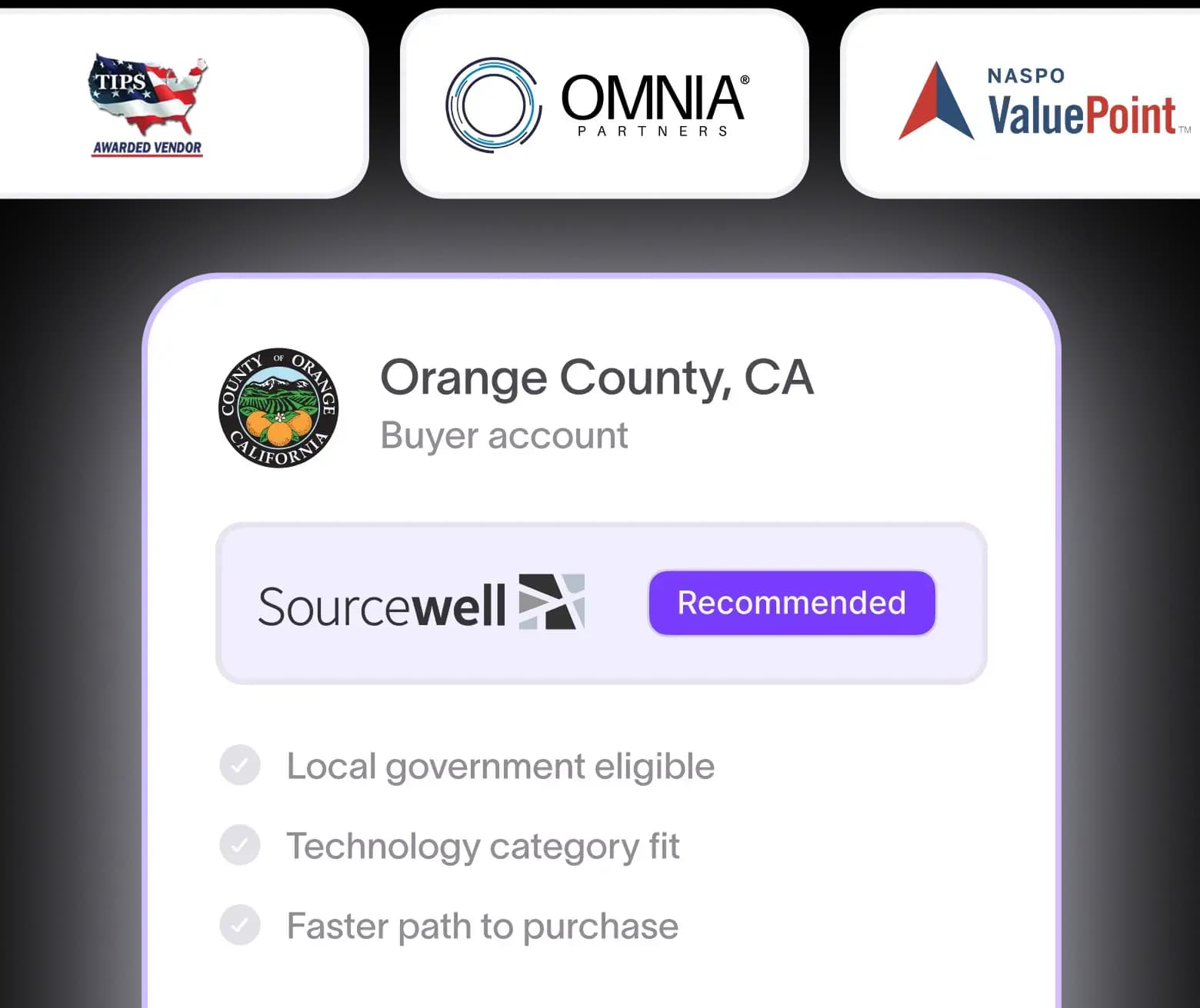
It’s included in the platform and free to get started, with vehicles like NASPO ValuePoint, OMNIA Partners, Sourcewell, TIPS, and GSA, and Starbridge handles the compliance, paperwork, and renewals.
Starbridge also shows each buyer’s sole-source limit and cooperative purchasing history, so reps know which vehicle to propose. The deal then reaches a signed contract without triggering a full RFP.
Keep your RFP answer library current and focus on winnable bids
An RFP answer library only saves time if its answers stay accurate. Assign owners, schedule regular reviews, and measure its effectiveness through four metrics: time to first draft, percentage of answers reviewed in the last 90 days, reuse rate, and win rate.
But responding faster is only part of winning more deals. Teams also need to identify opportunities early, understand the incumbent competition, and focus their efforts on bids they have a realistic chance of winning.
That’s where Starbridge comes in.
Starbridge’s Buying Signals Monitor and Public Spend Intelligence help teams identify and qualify government and education opportunities before an RFP is published. Its AI RFP Finder & Proposal Writer then helps teams find relevant RFPs and draft responses using their approved content.
Book a demo to see how Starbridge helps your team pursue the right opportunities and respond faster.
Frequently asked questions
An RFP answer library is a central store of reusable, pre-approved answers for RFPs and security questionnaires. Teams pull from it instead of rewriting answers for every bid. Each answer should carry an owner and a review date.
An RFP answer library for government and education proposals starts with core answers on your company, product, and security. It also needs accessibility, student data privacy, and vendor paperwork sections, plus separate variants for local government, K–12, and higher education. Tag each answer by sector, buyer type, and regulation.
Update an answer whenever the underlying fact changes, such as a certification renewal or a product release. Add a quarterly review for every category so nothing slips between triggers. Any answer citing a certificate, report, or policy needs an expiration date where applicable and a next review date.
Yes. AI can draft response sections from an answer library, and each draft is only as current as the answers behind it. Keep legal terms, compliance attestations, and pricing behind SME sign-off, and never let AI invent references, certifications, or metrics.
Starbridge’s AI RFP Finder & Proposal Writer pulls RFPs from thousands of portals into one scored feed and drafts responses from your approved content, so teams can create proposals in half the time. Buying Signals Monitor and Public Spend Intelligence help teams engage early and pick winnable bids. Contract Vehicle Access gives buyers a path to a signed contract without a full RFP.